
Building a Home Studio on a Budget
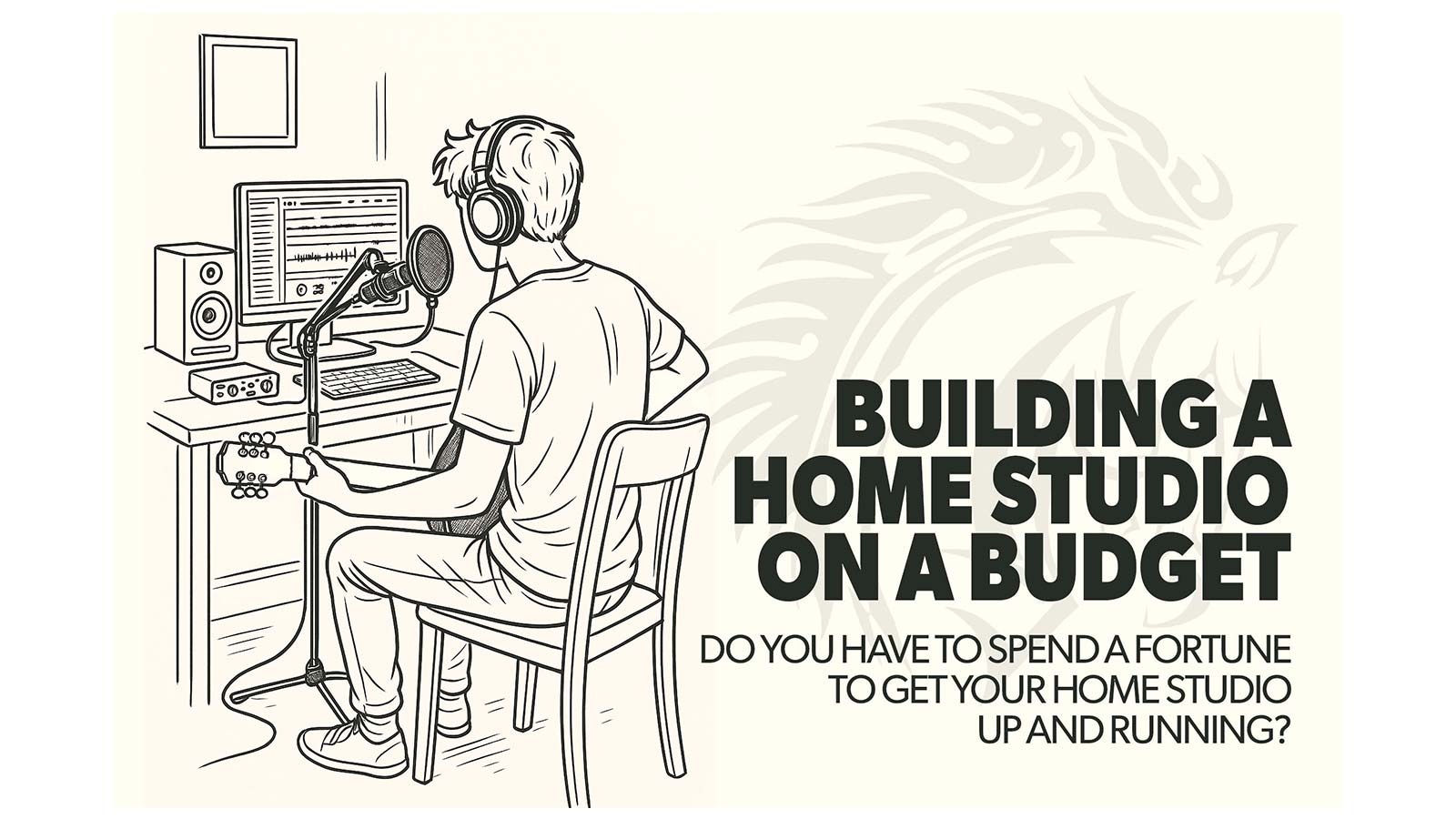
Do you have to spend a fortune to get your home studio up and running?
Home studios are everywhere these days. Some are simple, stripped-down setups; others look like full-blown professional recording facilities. But whether you’re producing your first demo, recording your band, or mixing a client’s track, having a home studio is one of the fastest ways to unlock your creative potential as an audio engineer.
At Dark Horse Institute, our instructors often remind students that the most valuable studio isn’t necessarily the biggest—it’s the one that lets you create freely, practice daily, and produce professional-quality results. For beginners, though, the gear list can feel overwhelming—and the price tags intimidating.
The good news? You don’t need to spend a fortune to build a studio that delivers stunning sound. With a strategic approach and the right tools, you can transform your space into a pro-level production powerhouse.
Here’s how to get started.
1. Choose the Right Computer — The Heartbeat of Your Studio
Your computer is the engine that drives your studio. It handles recording, playback, plugins, virtual instruments, and your DAW. Choosing the right system can boost your workflow, reduce frustration, and keep your sessions running smoothly.
What to look for:
- CPU: Opt for as much processing power as you can afford. Intel i5, AMD Ryzen 5, or Apple M1 processors are excellent for smooth, seamless performance, even when running multiple tracks and plugins.
- RAM: At least 16GB, but more is better. Extra RAM means uninterrupted creativity, even in large projects.
- Storage: An external hard drive is a must for archiving projects, samples, and plugins. Keeping your main drive free ensures your DAW runs fast and glitch-free.
Pro Tip: Don’t be tempted by flashy gaming PCs. Focus on reliability, speed, and quiet operation—your creativity depends on it.
At Dark Horse Institute, students quickly learn that investing in a solid computer is one of the fastest ways to unlock pro-level production capabilities. Some even find that a modestly priced laptop can handle everything they need if it’s configured correctly and optimized for audio.
2. Pick a DAW That Ignites Your Creativity
Your DAW (Digital Audio Workstation) is your creative canvas—it’s where you record, edit, mix, and produce tracks. Choosing the right DAW can make learning easier and make your productions sound more polished.
Top beginner-friendly DAWs:
- GarageBand (Mac): Free, intuitive, and surprisingly robust. Comes with loops, sounds, and tools to start creating immediately.
- Cakewalk (Windows): Free and professional-grade. Although discontinued, it’s still stable and capable, perfect for students on a budget.
- Cubase Elements 15: Around $99, packed with creative tools, chord assistance, and over 25GB of sounds.
- PreSonus Studio One Artist: About $140, offers unlimited tracks, mastering tools, and even Dolby Atmos support. Ideal for ambitious beginners.
- Pro Tools: The industry standard. Subscriptions start at $9.99/month. Perfect for students who want real-world experience with professional software.
Pro Tip: Don’t stress about which DAW is “best.” Learn one really well and master its workflow—that skill is far more valuable than the software itself.
At Dark Horse Institute, students often test multiple DAWs to find the one that fits their workflow. By the end of the semester, they can confidently navigate any DAW and focus on creativity, not technical roadblocks.
3. Audio Interfaces That Deliver Clean, Pro-Level Sound
An audio interface is your bridge from the analog world to your DAW. A solid interface ensures crystal-clear recordings, low latency, and accurate monitoring.
Budget-friendly, high-quality options:
- PreSonus AudioBox USB 96: Around $95. Two inputs, phantom power, and reliable build quality.
- Universal Audio Volt 2: About $180. Offers vintage-style preamp warmth and dynamic saturation for character-rich recordings.
- MOTU M2: About $200. Known for ultra-low latency and stunning audio clarity, ideal for serious producers.
Pro Tip: Investing in a slightly higher-quality interface now can save you upgrades later and dramatically improve your workflow.
Students at Dark Horse Institute spend significant time learning signal chain fundamentals with interfaces—this hands-on experience often gives them an immediate advantage when recording and mixing, even in small spaces.
4. Budget Microphones That Capture Stunning Clarity
A microphone is arguably the most important tool in your studio. Even budget-friendly mics can produce professional-quality recordings if you use them correctly.
Reliable beginner options:
- Shure SM57 (~$100): The ultimate all-purpose mic, great for vocals, guitars, and drums.
- Sennheiser e609 Silver (~$100): Excellent for amps with reduced boominess and clear mids.
- Audio-Technica AT2020 (~$120): Offers wide frequency response and solid dynamic range.
- Lewitt LCT 240 PRO (~$130): Handles high SPLs, perfect for drums and guitar amps while still capturing vocals in rich detail.
Pro Tip: Pair one dynamic mic with one condenser mic to cover most recording scenarios.
Students at Dark Horse Institute often see remarkable results by learning mic placement techniques—even inexpensive mics can sound like high-end studio equipment with proper positioning and room awareness.
5. Monitoring That Transforms Your Mixes
You can’t mix what you can’t hear. Accurate monitoring is essential to producing polished, professional mixes.
Budget-Friendly Monitoring Solutions:
- Audio-Technica ATH-M40x Headphones ($99): Balanced, clear, and ideal for mixing or tracking.
- Sony MDR-7506 ($99): Bright, detailed highs; a studio classic.
- PreSonus Eris 3.5 Monitors ($120/pair): Compact, accurate, and surprisingly flat response.
- Yamaha HS5 Monitors ($400/pair): Professional-standard reference monitors used worldwide.
Pro Tip: If you’re working in a compact space or on a budget, start with headphones. But aim to transition to monitors when you can—your mixes will become more accurate, balanced, and immersive.
At Dark Horse Institute, students often have an “aha!” moment when switching from headphones to monitors—the difference in accuracy and detail is immediately noticeable. If you have to mix on headphones (we’ve all been there), check out our guide on 5 Tips for When You Have to Mix with Headphones for pro tips and strategies.
6. Bonus: Free or Budget Plugins That Supercharge Your Mixes
Plugins can transform ordinary tracks into explosive productions. Many excellent tools are free or inexpensive:
- Valhalla Supermassive (Free): Create lush, immersive reverb and delay instantly.
- TDR Nova (Free): A dynamic EQ that’s precise and versatile.
- iZotope Neutron Elements (~$49): Intelligent mix assistant for professional polish.
- Softube Saturation Knob (Free): Adds warmth and character quickly.
- Spitfire Audio LABS (Free): Stunning sampled instruments for inspiration and creativity.
- MeldaProduction MFreeFXBundle (Free): EQs, compressors, and modulation effects that rival premium plugins.
- Voxengo Span (Free): Analyzer to fine-tune frequency balance like a pro.
- Blue Cat Audio Freeware Pack (Free): Chorus, flanger, EQs, and dynamics tools.
Pro Tip: Use only a few plugins well, rather than hundreds poorly. Your mixes will sound cleaner, bigger, and more professional.
For more detailed recommendations, check out our guide on Must-Have Plugins for Explosive, Pro-Quality Production and Mixing. It outlines the exact tools our instructors recommend to unlock your studio’s full potential.
7. Productivity & Workflow Tips for Small Home Studios
Even the best gear won’t help if your workflow is chaotic. Here are some tips to maximize your productivity:
- Organize sessions logically: Name tracks clearly, color-code instruments, and group similar tracks.
- Back up frequently: Use external drives or cloud storage to avoid losing your work.
- Acoustic basics: Even a few foam panels or blankets can dramatically improve your room sound.
- Creative scheduling: Block time for recording, mixing, and experimentation—this helps keep your creativity flowing without burning out.
- Reference mixes: Listen to professional tracks on the same monitors or headphones to train your ears.
Students at Dark Horse Institute learn these small habits early, which often gives them a huge advantage in the real world.
Final Thoughts: Build Smart, Grow Gradually
Building a home studio that inspires creativity doesn’t have to drain your bank account. Start with essentials—computer, DAW, interface, mic, and monitoring—and upgrade strategically as your skills grow.
Remember: it’s not about the most expensive gear—it’s about mastering what you have. The best producers started small and created extraordinary results using careful planning, creativity, and persistence.
If you’re ready to take your skills to the next level, explore the Audio Engineering Program at Dark Horse Institute. You’ll get hands-on experience with pro gear, learn from award-winning instructors, and gain the confidence to make music that stands out.
Ready to turn your passion into a production powerhouse?
Explore Audio Engineering at Dark Horse Institute →
Leave a Reply